6 Features That Make a Drone Pilot Simulator Good Enough for Professional Training
You’ve logged hours in a drone pilot simulator. Your landings look good. You can fly the practice course almost without thinking.
But what, exactly, are you getting better at?
For professional pilots, simulator practice needs to map to the work ahead: holding steady during an inspection, following a survey route, or responding when a flight stops going to plan.
That makes choosing a simulator a strategic decision. You need realistic aircraft handling, relevant exercises, and feedback that gives you something more useful than “try again.”
So if you want to really train chops for real-world flights, we encourage you to get a professional drone pilot simulator with the following six features.
1. Realistic Flight Physics
A virtual drone should behave just like a real UAV platform would — have believable throttle response, momentum, braking behaviour, and reactions to wind.
When evaluating drone pilot simulators, look for products with:
- Configurable weight and payload settings that change how the drone accelerates, turns, and slows down.
- Realistic thrust and drag modelling, so climbs, descents, and sudden manoeuvres feel accurate.
- Dynamic wind effects, including gusts, crosswinds, and turbulence around structures.
- Flight behaviour validated against real-world data, with clearly documented modelling limitations.
Likewise, it helps to train on a platform that lets you choose a specific UAV configuration. So you get a real feel for its turning response and stopping distance.
For example, our drone pilot training course has three specializations — flying FPV drones, multirotor, or fixed-wing. That way, you build the skills your aircraft and missions demand, with every practice session geared towards the flying you’ll actually do IRL.
2. Compatibility with Real Flight Controls
Practicing with a gamepad may get you started. But becoming a pro means you can properly use real radio controllers.
So verify the controller compatibility with your selected drone pilot simulator. In particular, check:
- Stick mapping
- Control sensitivity
- Calibration
- Switch and button mapping
- Deadband settings
If you plan to fly FPV missions, check how the simulator supports that viewing setup, too.
Then test everything together. Make sure the software runs smoothly on your available hardware, with responsive inputs and readable flight information.
3. Relevant Flight Scenarios
Free flight helps you get comfortable. But structured scenarios prepare you for real missions.
Look for exercises that match your real-world missions. For example:
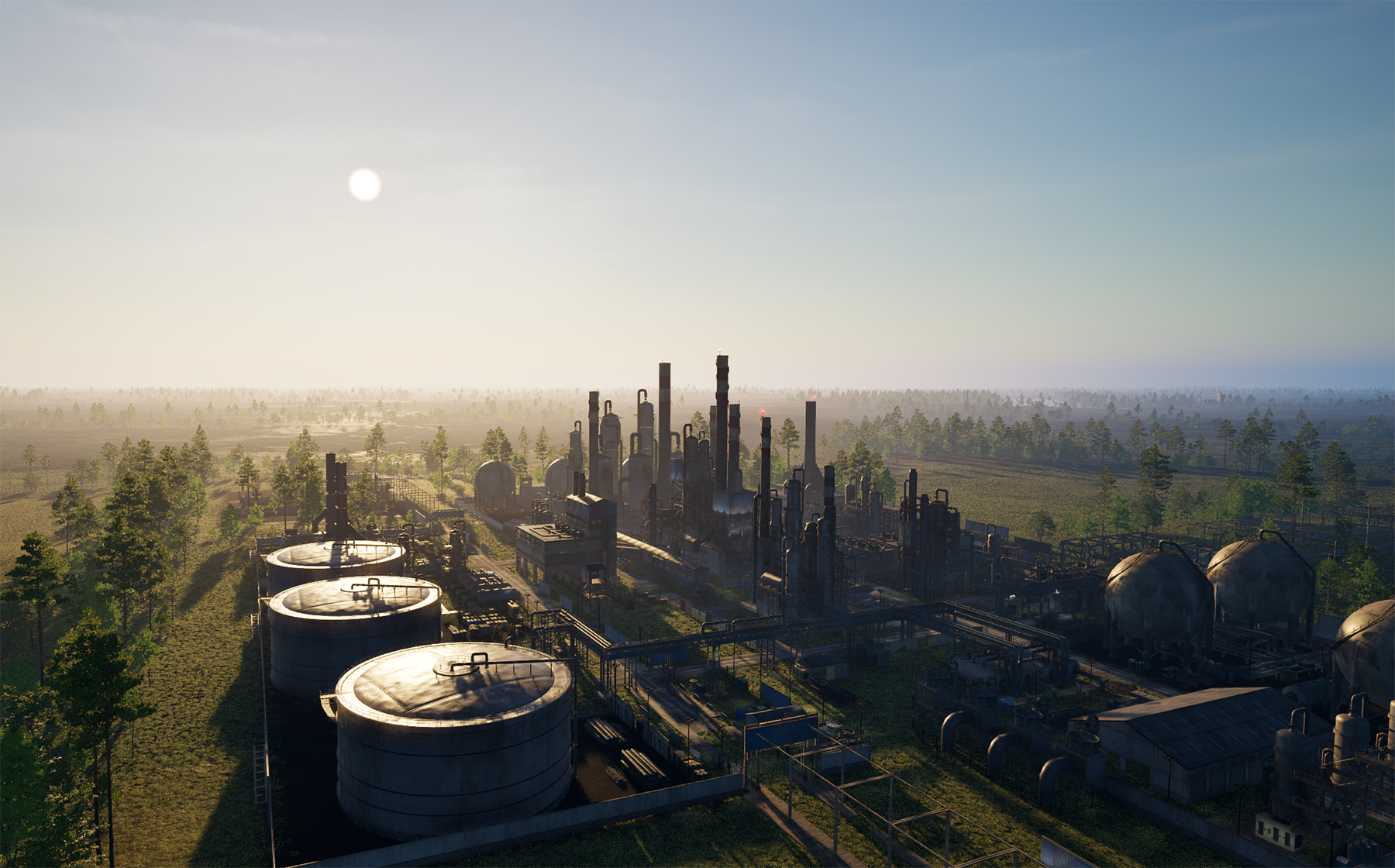
- Inspection scenarios should challenge you to hold position, maintain clearance from structures, keep the camera on the area of interest, and effectively operate payloads.
- Survey exercises should involve following planned routes with consistent speed and altitude as you would when doing photogrammetry.
- Military reconnaissance scenarios should involve surveying designated areas, interpreting camera feeds, and managing flight endurance while leaving enough reserve for a safe return.
Likewise, look at how each mission is graded, i.e., whether it has a clear objective and completion criteria. Because you’d want to practice a real skill, not just log more flight hours on a new terrain.
4. Configurable Weather and Environmental Conditions
Clear skies and an empty field make for a comfortable first flight session. But real-world flights rarely happen in flawless conditions.
Look for drone pilot simulators with adjustable wind, lighting, visibility, and terrain. These settings should change the task meaningfully. Can you practice positioning near structures? Does reduced visibility make visual orientation harder? Does wind affect aircraft handling?
Pro tip: Check the depth of each feature before buying. A rain effect on screen doesn’t necessarily mean the simulator models its operational consequences.
5. Abnormal Flight Events
If a fault always appears at the same point, you can learn the script. But real problems rarely give you the same courtesy.
Check if the drone pilot simulator varies malfunction timing, sequence, and context. So you can learn to recognize an unfamiliar situation and practice emergency responses.
Getting exposure to abnormal events is tremendously helpful for pilots. In a recent simulator study, variable, unpredictable practice produced better performance on a subsequent surprise scenario than predictable practice.
6. Flight Review and Performance Tracking
“Session complete” isn’t much of a debrief. A useful drone pilot simulator should point out the exact areas where you struggled, e.g.,
- Drifting off the planned route or target altitude
- Overcorrecting with abrupt stick inputs
- Misjudging clearance around obstacles
- Losing camera framing during an inspection
- Touching down too hard or outside the landing zone
- Missing warning cues or reacting late to a simulated fault
Prioritize products that offer flight replays or recordings, error reports, and progress histories that you can review yourself and with your instructor.
When you have precise data on where your skill lags, you can set target practices to revisit those and apply feedback.
Train for Your Next Mission with Osiris
Give your skills a proper workout before your hardware takes a hit. Osiris AI Training Bundle helps you fine-tune your flight skills using a combination of actionable theory and close-to-real-life simulator exercises.
We teach you essential controls first. Then put your skills to work on realistic missions. Each comes with a briefing, clear objectives, flight recording, and a debrief that shows what clicked and what needs practice. The bundle also includes training drones, controllers, goggles, and workstations to support your progression.
Learn more about Osiris AI Training Bundle.